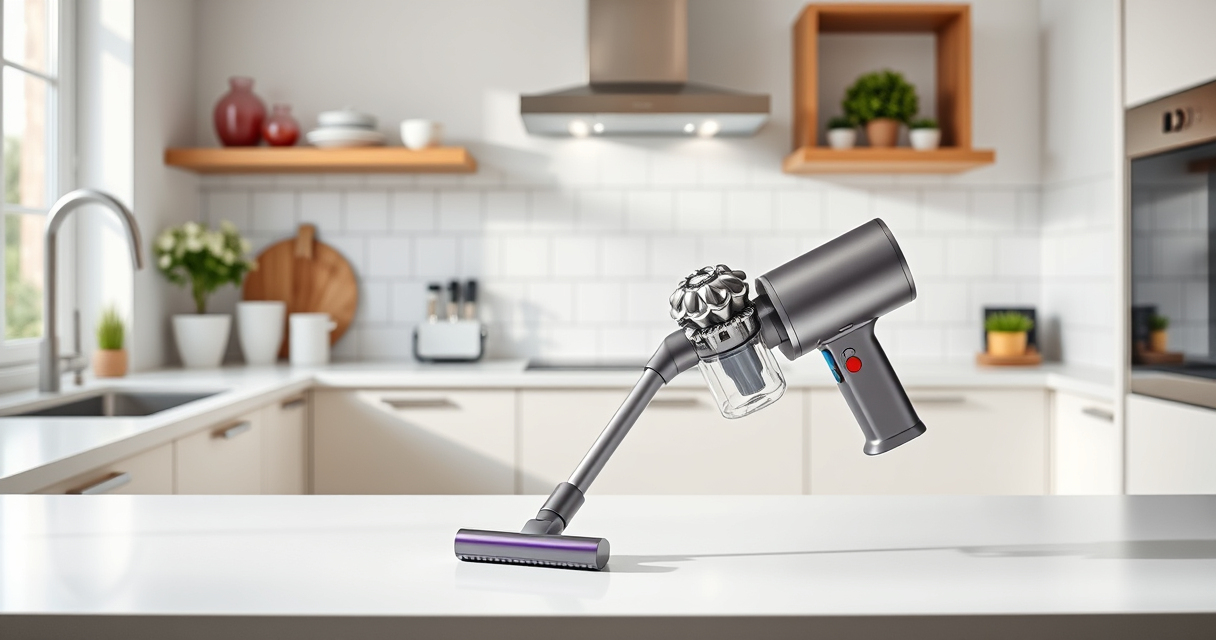
If your Dyson V15 Detect™ Origin Cordless Vacuum keeps pulsing on and off, it can be frustrating and reduce cleaning efficiency. This issue often relates to blockages, dirty filters, or sensor problems. Fortunately, you can often resolve it yourself with some simple troubleshooting steps.
Listen free for 30 days with Audible
Thousands of audiobooks and originals — cancel anytime.
Start your free trialAs an affiliate, we earn on qualifying purchases.
Follow this guide for a safe, practical approach to get your vacuum running smoothly again.
Key Takeaways
| Check for blockages | Blockages can cause pulsing by restricting airflow. |
| Clean or replace filters | Dirty filters can trigger sensor issues and reduce suction. |
| Inspect sensor and brush bar | Obstructions or dirt on sensors or brush bars can cause false readings. |
| Ensure proper assembly | Loose components may lead to inconsistent power. |
| Test after each step | Confirm if the issue is resolved before proceeding to next steps. |

Dyson V15 Detect™ Origin Cordless Vacuum
- Deep cleaning with intelligent dust detection: Reveals invisible dust for thorough cleaning
- Enhanced power and runtime: 100% more power, 60-minute battery life
- Energy-efficient power trigger: Uses power only when needed
As an affiliate, we earn on qualifying purchases.
Step 1: Power Off and Unplug
Always turn off your vacuum and disconnect it from the charging dock or power source before troubleshooting. This prevents accidental activation and ensures safety during inspections.
Step 2: Check for Blockages
- Inspect the wand, hose, and cleaner head for any visible debris or obstructions.
- Remove any blockages carefully, using a long, slender tool if needed.
- Clear the airflow pathway thoroughly.
Step 3: Clean or Replace the Filters
Dirty filters can cause sensor misreads and pulsing. Remove the vacuum’s pre-filter and main filter, rinse them with water, and let them air dry completely for at least 24 hours before reinstalling. Consider replacing filters if they are worn or excessively dirty.
Step 4: Check the Sensor and Brush Bar
- Wipe the optical sensors with a soft, dry cloth to remove dust or dirt.
- Inspect the brush bar for hair or debris entanglement; clear as needed.
Step 5: Verify Proper Assembly
Ensure all components are securely attached, including the cleaner head, wand, and battery. Loose connections can cause intermittent power issues.
Final Testing and Tips
Reconnect and turn on your vacuum. Test on different surfaces to see if pulsing persists. If the problem continues, consider resetting the vacuum or contacting Dyson support.
Tip: Regular maintenance and cleaning filters every 2-3 months help prevent pulsing issues.
Warning: Avoid using excessive force when cleaning sensors or filters to prevent damage.
The Products in This Guide

Dyson V15 Detect™ Origin Cordless Vacuum
- ✔ Model: Dyson V15 Detect™ Origin
- ✔ Cleaning Modes: Auto, Eco, Max
- ✔ Attachments: Crevice tool, cleaner heads

LANMU Crevice Tool Vacuum Attachments Compatible
- ✔ Material: Plastic
- ✔ Length: Extended reach
- ✔ Use Case: Corners, upholstery, car interiors
Dyson V15 Detect™ Origin Cordless Vacuum
The Dyson V15 Detect™ Origin offers powerful suction, intelligent debris detection, and a variety of attachments that make it versatile for whole-home cleaning. Regular maintenance of filters and sensors ensures optimal performance.
Pros:
- Powerful and intelligent cleaning
- Long 60-minute runtime
- LCD screen for real-time updates
- Includes advanced cleaner heads
Cons:
- Battery may still drain faster if filters are dirty
- Requires periodic filter cleaning or replacement
- Sensor calibration issues can cause pulsing
Best for: Deep cleaning homes with pets or heavy debris
Not ideal for: Light cleaning or quick spot checks
Bottom line: Keep filters clean and sensors unobstructed for smooth operation.
LANMU Crevice Tool Vacuum Attachments Compatible
This LANMU crevice tool complements your Dyson vacuum by reaching tight corners, car interiors, and narrow spaces. It’s compatible with multiple Dyson models and enhances cleaning flexibility.
Pros:
- Narrow, flexible design
- Compatible with many Dyson models
- Easy to attach and use
- Ideal for detailed cleaning
Cons:
- Requires separate purchase
- Less effective for large debris
- May need additional attachments for full cleaning
Best for: Detail cleaning in tight spots
Not ideal for: Heavy-duty cleaning of large debris
Bottom line: Enhance your cleaning with this slim, versatile crevice tool.
Frequently Asked Questions
Why does my Dyson vacuum pulse on and off?
This often indicates airflow blockages, dirty filters, or sensor issues. Troubleshooting these areas usually resolves the problem.
Can I fix the pulsing issue myself?
Yes, most causes like blockages and dirty filters are manageable with simple cleaning and inspections following safety steps.
How often should I clean or replace filters?
Filters should be cleaned every 2-3 months and replaced if they become worn or excessively dirty to maintain optimal performance.
What if the vacuum still pulses after troubleshooting?
If issues persist, consider resetting your vacuum, checking for software updates, or contacting Dyson customer support for further help.
Keep Your Dyson Running Smoothly
Regular maintenance, including cleaning filters, inspecting for blockages, and ensuring proper assembly, is key to preventing pulsing issues. Following these troubleshooting steps can save you time and keep your vacuum performing at its best, ensuring a clean home with minimal hassle.
Affiliate disclosure: As an Amazon Associate we earn from qualifying purchases. Prices and availability are accurate as of the time of publishing.
College move-in / dorm season Picks
dorm essentials
As an affiliate, we earn on qualifying purchases.