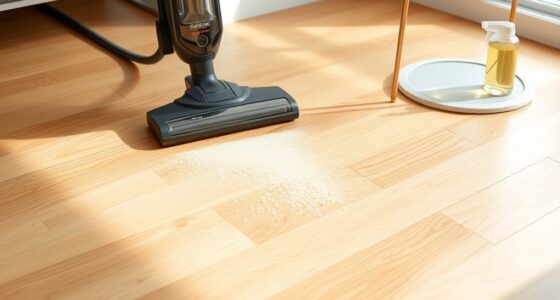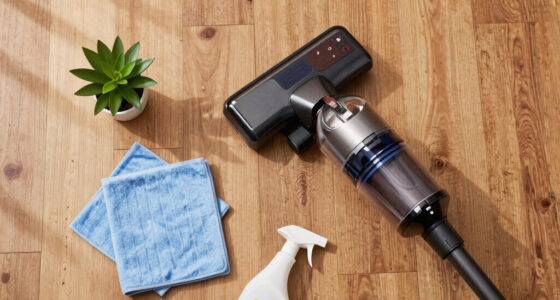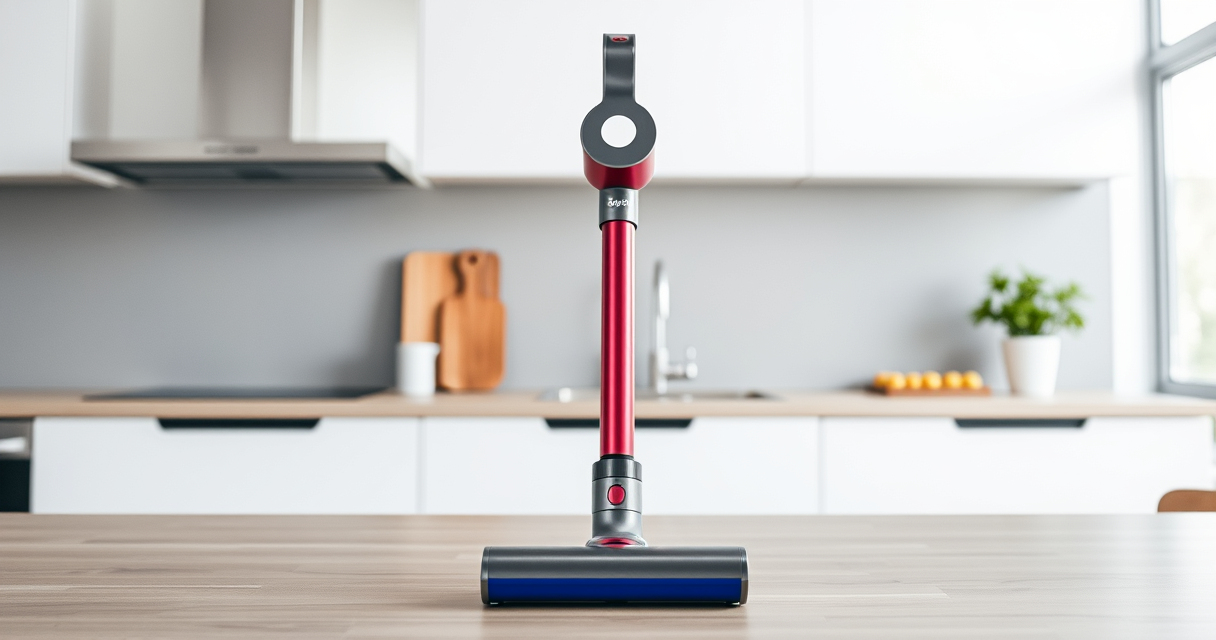
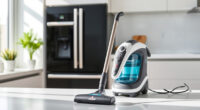
If your Dyson V15 Detect™ Origin Cordless Vacuum is losing battery life quickly, it can be frustrating and hinder your cleaning routine. Often, this issue stems from clogged filters, battery wear, or other maintenance problems. This guide provides clear, safe steps to diagnose and fix common causes, helping you restore optimal battery performance and prolonging your vacuum’s lifespan.

Get cleaning gear delivered free with Prime
- Fast, free delivery on millions of items
- Prime Video, Amazon Music and more included
- Member-only deals all year
Before starting, ensure you have the necessary replacement filters and attachments, and always handle electrical components with care.
Key Takeaways
| Regular filter cleaning extends battery life | Dirty filters can cause the motor to work harder, draining the battery faster. |
| Replace worn-out filters timely | Using old or clogged filters reduces suction and battery efficiency. |
| Check for battery wear or damage | Battery age and usage affect overall run time; consider replacement if degraded. |
| Ensure proper cleaning of filters and motor components | Blocked airflow and debris buildup impair performance and battery longevity. |
Step 1: Turn off and unplug the vacuum
Always turn off the vacuum and disconnect it from the charging station before performing any maintenance or troubleshooting to prevent electrical hazards.
Step 2: Clean or replace the filters
- Remove the pre-filters from the vacuum according to the user manual.
- Rinse the filters thoroughly with water, ensuring all dust and debris are washed away.
- Let the filters air dry completely—this may take up to 24 hours.
- If filters are damaged or very old, replace them with new ones, such as the 3Pack Pre Filters Replacement.
Step 3: Check for airflow blockages
Inspect the cleaner head, wand, and hose for obstructions. Clear any debris or tangled hair that may restrict airflow, which can cause the motor to work harder and drain the battery faster.
Step 4: Test the battery condition
If cleaning filters and removing blockages doesn’t improve battery life, consider the battery’s age. If the battery is old or showing signs of wear, replacing it may be necessary. Contact Dyson support or a qualified technician for battery replacement options.
Tips and Warnings
- Always use genuine replacement filters and parts to maintain performance and safety.
- Do not immerse electrical components in water or allow them to get wet.
- Handle filters carefully to avoid tearing or damaging them.
- If your vacuum still has poor battery life after troubleshooting, contact Dyson customer support for further assistance.
The Products in This Guide

Dyson V15 Detect™ Origin Cordless Vacuum
- ✔ Color: Origin
- ✔ Charge Time: Approximately 4 hours
- ✔ Warranty: 2 years

LANMU Crevice Tool Vacuum Attachments Compatible
- ✔ Weight: Less than 1 lb
- ✔ Attachment Type: Crevice tool
- ✔ Warranty: None
Dyson V15 Detect™ Origin Cordless Vacuum
The Dyson V15 Detect™ Origin offers impressive cleaning power with intelligent features like debris detection and an LCD screen. Its battery life of up to 60 minutes makes it ideal for whole-home cleaning, but proper maintenance is key to preserving this performance.
Pros:
- Powerful suction and deep cleaning
- Intelligent debris detection
- Long battery life
- Includes versatile attachments
Cons:
- Battery degradation over time
- Filters need regular cleaning
- Higher price point
Best for: Homeowners seeking a high-performance, cordless vacuum with advanced features.
Not ideal for: Users with limited storage space or minimal cleaning needs.
Bottom line: Regular maintenance ensures your Dyson V15 Detect™ delivers optimal battery performance.
LANMU Crevice Tool Vacuum Attachments Compatible
The LANMU Crevice Tool Vacuum Attachments is a versatile accessory compatible with Dyson V15 models, perfect for reaching tight spots and detailed cleaning in home and car interiors.
Pros:
- Narrow nozzle for tight spaces
- Compatible with many Dyson models
- Flexible and slim design
- Easy to attach and use
Cons:
- Additional attachment to store
- May require care to avoid damage
- Not a replacement for main filters
Best for: Cleaning hard-to-reach areas, corners, and upholstery.
Not ideal for: For general cleaning or replacing filters.
Bottom line: A handy tool to complement your Dyson cleaning arsenal for hard-to-reach spots.
Frequently Asked Questions
How often should I replace the filters on my Dyson V15?
It is recommended to replace or clean the filters every 2-3 months depending on usage to maintain optimal performance.
Can I wash the filters?
Yes, most Dyson filters are washable. Rinse them with water, let them air dry completely before reinstalling.
What if my battery still dies quickly after maintenance?
The battery may be worn out after extensive use. Consider replacing it through Dyson support or a qualified technician.
Is it safe to clean the internal motor parts?
No, internal motor components should only be serviced by qualified technicians to avoid damage or voiding the warranty.
Keep Your Dyson V15 Detect Running Smoothly
Regular cleaning of filters and checking airflow can significantly extend your vacuum’s battery life. If problems persist, consider replacing the battery or consulting professional support. Proper maintenance ensures your Dyson remains a powerful and reliable cleaning companion for years to come.
Affiliate disclosure: As an Amazon Associate we earn from qualifying purchases. Prices and availability are accurate as of the time of publishing.
Fall Picks
fall essentials
As an affiliate, we earn on qualifying purchases.