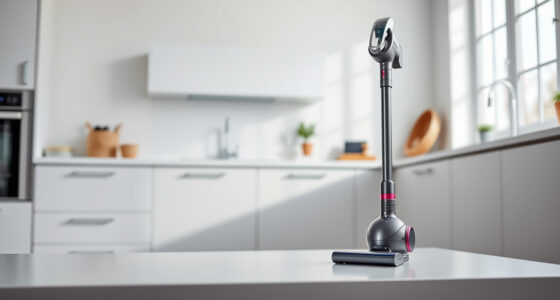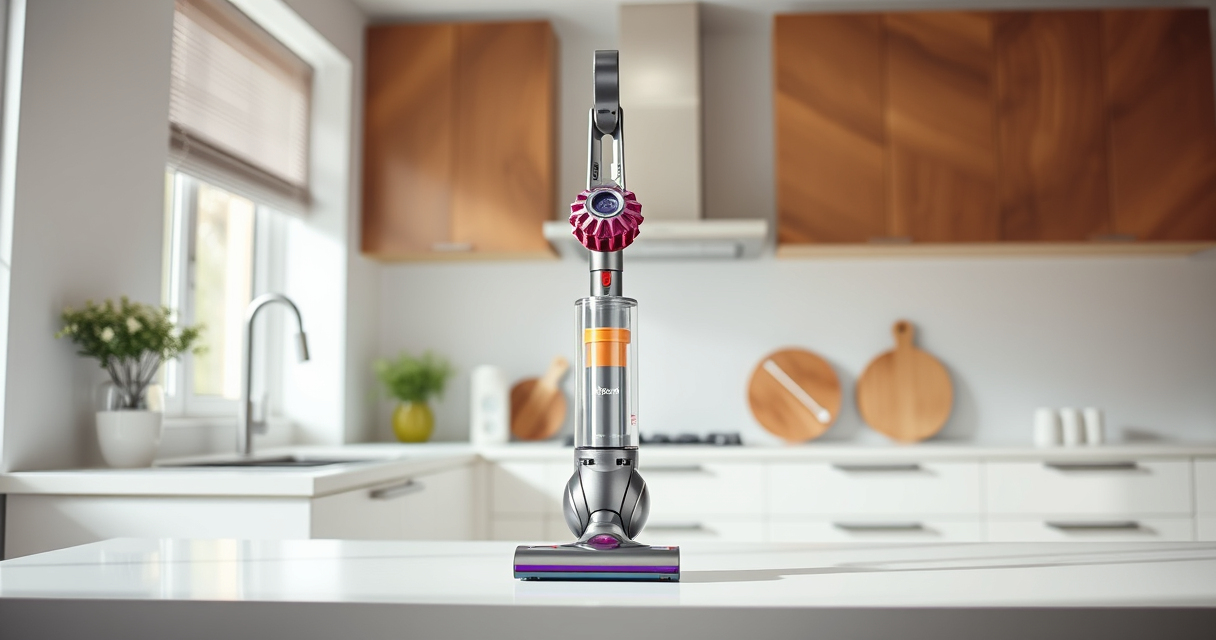
If your Dyson V15 Detect™ Origin Cordless Vacuum is losing battery life quickly, it can be frustrating. Often, the issue is related to filters, battery health, or maintenance. This guide provides practical, step-by-step instructions to diagnose and fix the problem safely, helping you restore optimal cleaning power.

Get cleaning gear delivered free with Prime
- Fast, free delivery on millions of items
- Prime Video, Amazon Music and more included
- Member-only deals all year
Follow these steps carefully to extend your vacuum’s battery life and enjoy longer cleaning sessions without frequent recharging.
Key Takeaways
| Filter Maintenance | Regularly clean or replace filters to maintain suction and battery efficiency. |
| Battery Health | Battery age and condition significantly impact run time; consider replacement if old. |
| Clog Checks | Blockages in the wand or cleaner head can cause battery drain. |
| Software Updates | Ensure your Dyson firmware is up to date for optimal performance. |
Check and Clean the Filters
- Remove the pre-filters from your Dyson vacuum. These are usually located near the cyclone or dust canister.
- Rinse the filters under cold water until clear. Do not use soap or brushes that could damage the filter material.
- Allow the filters to air dry completely, typically 24 hours, before reinserting.
- Replace filters every 2-3 months or as needed to maintain suction and battery efficiency.
Inspect for Clogs and Blockages
- Detach the wand and cleaner head from the vacuum.
- Check the wand, cleaner head, and crevice tool for obstructions or debris.
- Clear any blockages carefully to ensure unimpeded airflow, which reduces strain on the battery.
Evaluate Battery Condition
If your vacuum is older or has seen heavy use, the battery may be degraded. Consider replacing it with a compatible Dyson battery or professional service if run time remains short despite maintenance.
Update Firmware and Optimize Usage
Check if your Dyson V15 Detect™ has any firmware updates available via the Dyson app or your device settings. Keeping software current can improve battery management and overall performance.
Use the power trigger efficiently—only activate when cleaning to conserve battery life.
Additional Tips and Warnings
- Never expose the battery to extreme temperatures or water.
- Use only Dyson-approved replacement parts to avoid damage.
- If the vacuum still drains quickly after these steps, contact Dyson support or consider professional repairs.
The Products in This Guide

Dyson V15 Detect™ Origin Cordless Vacuum
- ✔ Battery Life: Up to 60 minutes
- ✔ Cleaning Modes: Multiple, adjustable
- ✔ Weight: Lightweight for easy handling

LANMU Crevice Tool Vacuum Attachments Compatible
- ✔ Nozzle Width: Narrow profile
- ✔ Compatibility: Wide range of Dyson models
- ✔ Material: Durable plastic
Dyson V15 Detect™ Origin Cordless Vacuum
The Dyson V15 Detect™ Origin offers powerful suction, smart features, and up to 60 minutes of runtime. Proper maintenance can help maximize its battery life and cleaning efficiency.
Pros:
- Powerful suction
- Intelligent debris detection
- Long battery life
- Versatile cleaning modes
Cons:
- Battery degradation over time
- Filters require regular cleaning
- Price point is higher
Best for: Whole-home deep cleaning, pet owners, hard floors, carpets
Not ideal for: Heavy use leading to battery wear, or if filters are neglected
Bottom line: Regular maintenance and care are key to preventing rapid battery drain on your Dyson V15.
LANMU Crevice Tool Vacuum Attachments Compatible
The LANMU Crevice Tool Vacuum Attachments fit Dyson V15 and other models, helping you reach tight spaces and hard-to-access areas effectively, reducing strain on the battery.
Pros:
- Narrow nozzle for tight spots
- Compatible with multiple Dyson models
- Flexible and durable design
- Easy to attach and use
Cons:
- Additional accessory cost
- Requires proper storage for longevity
Best for: Cleaning corners, car interiors, upholstery
Not ideal for: Heavy-duty cleaning or thick debris
Bottom line: Using specialized attachments can reduce cleaning time and battery strain.
Frequently Asked Questions
How often should I replace the filters on my Dyson V15?
It’s recommended to replace or clean the filters every 2-3 months to maintain optimal performance and battery life.
Can a clogged filter cause my Dyson to lose battery power quickly?
Yes, a clogged filter can restrict airflow, making the motor work harder and draining the battery faster. Regular cleaning prevents this.
Is it normal for my Dyson battery to lose capacity over time?
Yes, all batteries degrade with use. If your vacuum’s run time significantly decreases, consider replacing the battery for better performance.
How do I know if my battery needs replacement?
If your Dyson V15 cannot hold a charge or the run time is much shorter than usual despite proper maintenance, it may be time for a new battery.
Keep Your Dyson V15 Running Like New
Regular maintenance, including cleaning filters, checking for blockages, and updating firmware, can significantly extend your vacuum’s battery life. When necessary, replace worn batteries to ensure consistent, powerful cleaning sessions. With proper care, your Dyson V15 will continue to deliver exceptional performance for years to come.
Affiliate disclosure: As an Amazon Associate we earn from qualifying purchases. Prices and availability are accurate as of the time of publishing.
Fall Picks
fall essentials
As an affiliate, we earn on qualifying purchases.