
If your Dyson V15 Detect™ Origin cordless vacuum keeps pulsing on and off, it can be frustrating and hinder your cleaning. This issue is often caused by blockages, overfilled filters, or battery-related problems. Fortunately, most fixes are simple and safe to perform at home.

Get cleaning gear delivered free — and shop member deals
- Fast, free delivery on millions of items
- Access to Prime Big Deal Days deals on October 6–7
- Prime Video, Amazon Music and more included
Follow this step-by-step troubleshooting guide to identify and resolve the pulsing issue, ensuring your vacuum operates smoothly again.
Key Takeaways
| Identify common causes | Blockages, filter issues, battery problems |
| Check filters and empty bin | Clogged filters or full bin can cause pulsing |
| Inspect for blockages | Clear obstructions in hoses and nozzles |
| Ensure proper battery function | Battery health impacts continuous operation |
| Perform safety checks | Always unplug before maintenance |
Step 1: Turn Off and Unplug the Vacuum
Before starting, ensure your Dyson vacuum is powered off and unplugged from any charging station or outlet. This prevents accidental activation or electrical hazards during troubleshooting.
Step 2: Empty the Bin and Clean the Filters
- Remove the dust bin and empty it completely into a trash bag.
- Remove the pre-filter and the main filter as per your model’s instructions.
- Rinse the filters under cold water, wring out excess water, and let them air dry completely for at least 24 hours before reinstalling.
Step 3: Check for Blockages
- Inspect the wand, nozzles, and brush heads for any debris or obstructions.
- Clear out any blockages carefully using a straightened coat hanger or a long, flexible brush.
- Ensure all connections are securely reattached after cleaning.
Step 4: Inspect the Battery and Power Trigger
If the vacuum continues to pulse, check if the battery is charged and properly seated. A malfunctioning power trigger or low battery can cause pulsing. Consider replacing or servicing the battery if it’s old or not holding charge.
Step 5: Reset and Test the Vacuum
After completing the above steps, reassemble all parts. Turn on your Dyson vacuum and observe if the pulsing persists. If it does, consult the user manual or contact Dyson support for further assistance.
The Products in This Guide

Dyson V15 Detect™ Origin Cordless Vacuum
- ✔ Battery: Rechargeable lithium-ion
- ✔ Max Power Mode: Enabled via LCD
- ✔ Charging Time: Approximately 4.5 hours

LANMU Crevice Tool Vacuum Attachments Compatible
- ✔ Package: 3 filters + 1 brush
- ✔ Washable: Yes
- ✔ Sealing: Double silicone ring
Dyson V15 Detect™ Origin Cordless Vacuum
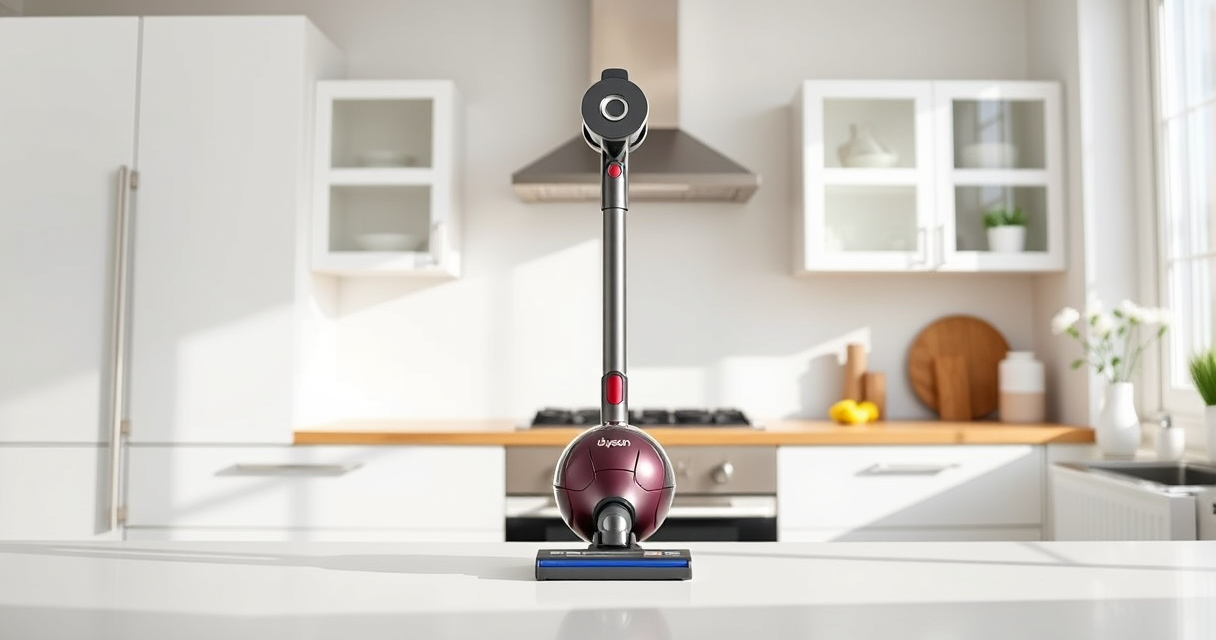
The Dyson V15 Detect™ Origin offers powerful suction and intelligent features, making it a top choice for whole-home cleaning. Its LCD screen helps monitor performance and alerts for maintenance issues, which can prevent pulsing problems if kept up to date.
Pros:
- Powerful suction
- Intelligent debris detection
- Long battery life
- Advanced cleaning heads
Cons:
- Pricey compared to basic models
- Requires regular filter cleaning
- Can be heavy for some users
Best for: Deep cleaning and pet hair removal
Not ideal for: Light cleaning tasks or minimal use
Bottom line: The Dyson V15 Detect™ Origin is a powerful, smart vacuum that, with proper maintenance, can avoid pulsing issues.
LANMU Crevice Tool Vacuum Attachments Compatible
Replacing filters regularly ensures your Dyson vacuum runs efficiently and avoids issues like pulsing. The 3-pack of pre-filters is compatible with various Dyson models and is easy to rinse and reuse.
Pros:
- Easy to install
- Reusable and washable
- Restores suction
- Compatible with multiple models
Cons:
- Requires periodic replacement
- Must dry thoroughly before reuse
- Not a permanent fix for mechanical issues
Best for: Maintaining optimal vacuum suction
Not ideal for: If the motor or battery is faulty
Bottom line: Regular filter replacement keeps your Dyson performing at its best, reducing pulsing issues.
Frequently Asked Questions
Why does my Dyson vacuum pulse on and off?
This can be caused by blockages, full filters, or battery issues. Proper maintenance and cleaning often resolve the problem.
How often should I clean or replace filters?
Filters should be rinsed every 1-3 months and replaced if damaged or after 6-12 months depending on usage.
Can I fix pulsing issues myself?
Yes, by cleaning filters, checking for blockages, and inspecting the battery. More complex problems may require professional repair.
When should I contact Dyson support?
If troubleshooting doesn’t resolve pulsing or if there are signs of motor or battery failure, contact Dyson customer service for assistance.
Keep Your Dyson Running Smoothly with Routine Maintenance
Regularly cleaning filters, inspecting for blockages, and ensuring proper battery function can prevent pulsing issues. If problems persist, professional service might be necessary. Proper care will extend your vacuum’s lifespan and maintain optimal cleaning performance.
Affiliate disclosure: As an Amazon Associate we earn from qualifying purchases. Prices and availability are accurate as of the time of publishing.
Fall Picks
fall essentials
As an affiliate, we earn on qualifying purchases.