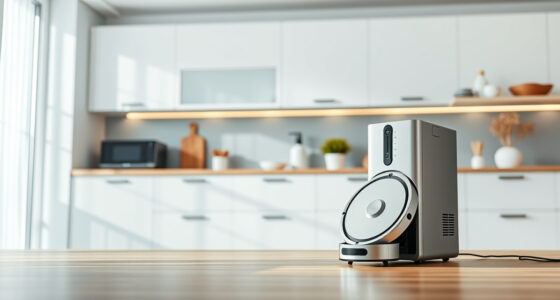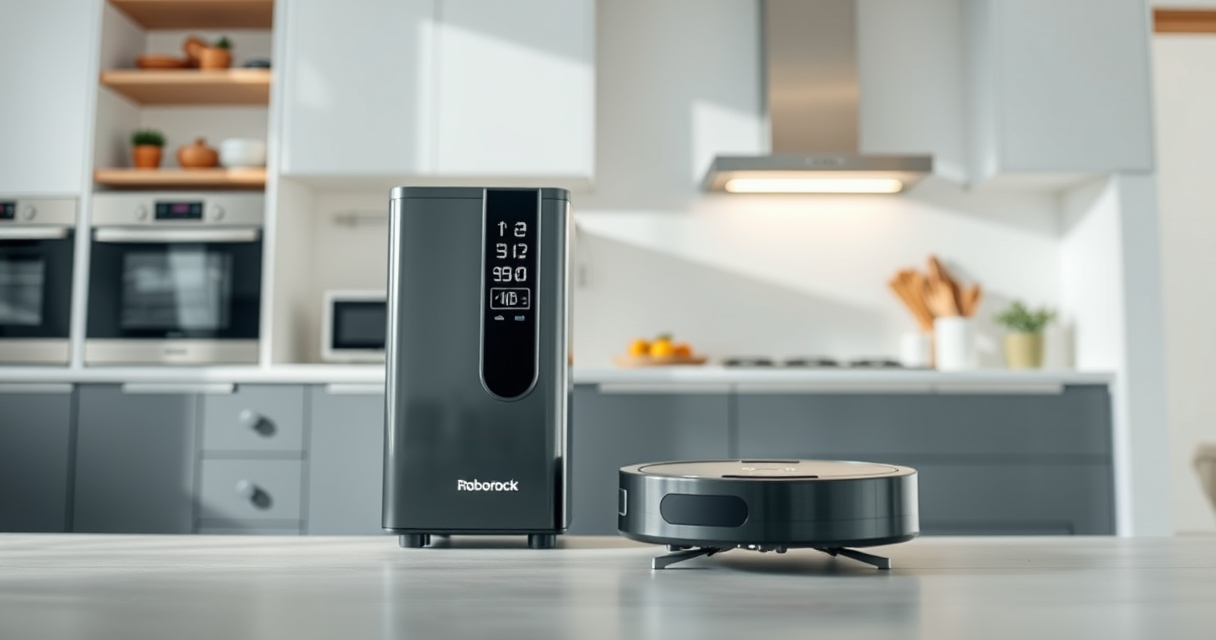
The Roborock Q7 M5+ is a powerful and efficient robot vacuum and mop designed for long-lasting performance. To ensure it operates at peak efficiency, regular troubleshooting and maintenance are essential. This guide provides step-by-step instructions to help you identify issues, perform routine care, and keep your device in top condition. Whether your vacuum is not cleaning properly or experiencing connectivity problems, these practical tips will help you resolve common issues safely and effectively.
Open a free Amazon Business account
Business pricing, bulk buying and tax-exempt orders.
Create a free accountAs an affiliate, we earn on qualifying purchases.
By following these instructions, you’ll prolong the lifespan of your Roborock and maintain its excellent cleaning performance, saving you time and costly repairs in the future.
Key Takeaways
| Self-Emptying System | The 2.7L sealed dust bag reduces frequent emptying. |
| Powerful Suction | 10000Pa suction lifts pet hair and debris from all surfaces. |
| Anti-Tangle Design | JawScrapers main brush and anti-tangle side brush reduce hair jams. |
| Routine Maintenance | Regular filter and mop pad replacements ensure optimal cleaning. |

roborock Q7 M5+ Robot Vacuum and Mop, Up to 7-9 Weeks Self-Empty, 10000Pa
- Long-Lasting Self-Emptying: Up to 7-9 weeks with 2.7L dust bag
- Powerful Suction: 10000Pa for deep cleaning on all surfaces
- Anti-Tangle Brush System: Dual design resists pet hair wrap
As an affiliate, we earn on qualifying purchases.
Initial Troubleshooting Steps
- Check the power connection and ensure the robot is charged. If not, place it on the charging dock and wait until the battery is sufficiently charged.
- Verify Wi-Fi connectivity if the robot isn’t responding via the app. Restart your router if needed and reconnect the robot through the app.
- Inspect the dust bag and filters for fullness or damage. A full dust bag or clogged filters can impair suction power.
- Examine the brushes and wheels for hair or debris entanglement. Remove any obstructions carefully.
- Reset the robot by holding down the power button for 10 seconds, then restart the device to see if the issue persists.
Cleaning and Replacing Filters
Filters play a crucial role in maintaining the vacuum’s suction efficiency. The Roborock Q7 M5+ uses a washable filter system, and regular cleaning extends its lifespan.
- Remove the filter assembly from the dust compartment.
- Rinse the filter under cold water without using soap or detergents.
- Allow the filter to air dry completely, preferably for 24 hours, before reinstalling.
- For optimal performance, replace filters every 1-3 months or as needed, especially if you notice a decrease in suction power.
Consider using a 4 Pack Washable Filter (asin=B0DK99HTQ7) for cost-effective, eco-friendly replacements.
Maintaining the Self-Empty Dock
The RockDock Plus equipped with a 2.7L dust bag reduces frequent emptying, but it still needs regular checks to function properly.
- Open the dock and carefully remove the dust bag. Check for any tears or blockages.
- Empty the dust bag if it’s nearing full capacity, especially after intensive cleaning sessions.
- Clean the filter and the interior of the dock, removing dust and debris that could cause clogs.
- Ensure the dust bag is securely reinserted to prevent leaks or loss of suction.
Cleaning the dock monthly helps maintain consistent cleaning performance and prevents odors or malfunctions.
Routine Brush and Mop Maintenance
Keeping the brushes and mop pads in good condition is key to effective cleaning. Regular inspection and cleaning prevent tangles and debris buildup.
- Remove the main brush and side brushes as per your model’s instructions.
- Clear any hair, pet fur, or debris wrapped around the brushes using scissors or your fingers.
- Wash the mop pads with water and mild detergent, then air dry completely before reuse.
- Replace mop pads every 1-3 months for best results, especially if they show signs of wear or reduced absorbency.
Using high-quality reusable mop pads, like the VIEWALL 6 Pack Reusable Mop Pads (asin=B0GT92FL9H), can improve cleaning efficiency and save money over time.
Firmware Updates and App Troubleshooting
Keeping your Roborock firmware up to date ensures access to the latest features and fixes. If the app isn’t connecting or functioning properly, try these steps:
- Open the Roborock app and check for available firmware updates.
- If an update is available, follow the prompts to install it.
- Restart the app and reconnect your device if needed.
- Ensure your phone’s Wi-Fi and Bluetooth are enabled and working correctly.
- If problems persist, uninstall and reinstall the app or reset your robot’s network settings.
The Products in This Guide

roborock Q7 M5+ Robot Vacuum and Mop
- ✔ Self-Emptying: Yes
- ✔ Battery Life: 7-9 weeks
- ✔ Suction Power: 10000Pa

4 Pack Washable Filter
- ✔ Pack Size: 4 filters
- ✔ Washable: Yes
- ✔ Compatibility: Multiple Roborock models
roborock Q7 M5+ Robot Vacuum and Mop
The Roborock Q7 M5+ stands out for its powerful 10000Pa suction, advanced PreciSense LiDAR navigation, and a 2.7L sealed dust bag that reduces maintenance frequency. Its dual anti-tangle system is especially helpful for pet owners, making it easier to keep your floors fur-free.
Pros:
- Powerful suction for deep cleaning
- Long-lasting self-emptying with large dust bag
- Anti-tangle design reduces hair jams
- App control for remote operation
Cons:
- Higher initial cost
- Requires regular filter cleaning
- Mop pads need replacement every 1-3 months
Best for: Pet owners and busy households seeking a low-maintenance, high-performance robot vacuum.
Not ideal for: Users looking for a budget-friendly option or models without self-emptying features.
Bottom line: A powerful, low-maintenance robot vacuum ideal for pet owners who want convenience.
4 Pack Washable Filter
These washable HEPA filters are compatible with a range of Roborock models, including the Q7 and Q7 Max. They are designed to perform as effectively as OEM parts, helping you maintain optimal suction and air quality without frequent replacements.
Pros:
- washable and reusable
- Compatible with multiple models
- Cost-effective
- Easy to install
Cons:
- Requires regular washing
- Not OEM, but high quality
Best for: Users seeking affordable, sustainable filter options.
Not ideal for: Those preferring OEM parts or with very sensitive allergies needing specific filters.
Bottom line: A smart, budget-friendly upgrade for maintaining your Roborock’s performance.
Frequently Asked Questions
How often should I clean the filters?
It’s recommended to clean the filters every 1-3 months, depending on usage and pet hair levels, to maintain suction efficiency.
Why is my Roborock not docking properly?
Check for obstructions or dirt on the charging contacts, ensure the dock is plugged in correctly, and verify the robot’s path to the dock is clear.
Can I use third-party mop pads?
Yes, as long as they fit your model’s specifications. Using compatible, washable mop pads like the VIEWALL 6 Pack can be effective and economical.
What should I do if the app cannot connect to my Roborock?
Restart your Wi-Fi router, ensure Bluetooth and Wi-Fi are enabled on your phone, and try reconnecting through the app. Reinstalling the app can also resolve connectivity issues.
How do I reset my Roborock to factory settings?
Hold down the power button for about 10 seconds until the robot powers off, then turn it back on. For a full reset, consult your user manual for specific instructions.
Keep Your Roborock in Prime Condition
Regular troubleshooting and routine maintenance are key to keeping your Roborock Q7 M5+ performing optimally. By following these practical steps, you can prevent common issues, extend the lifespan of your device, and enjoy consistently clean floors with minimal hassle. Remember, a well-maintained robot vacuum is a reliable cleaning companion that saves you time and effort in your daily routine.
Affiliate disclosure: As an Amazon Associate we earn from qualifying purchases. Prices and availability are accurate as of the time of publishing.
Flea & tick season Picks
flea and tick prevention
As an affiliate, we earn on qualifying purchases.