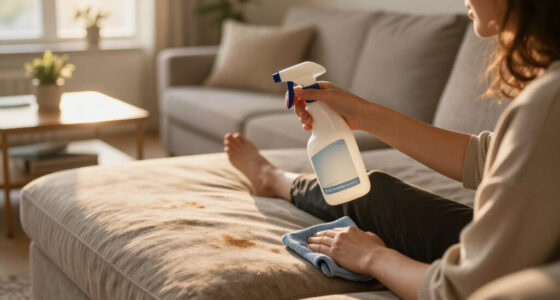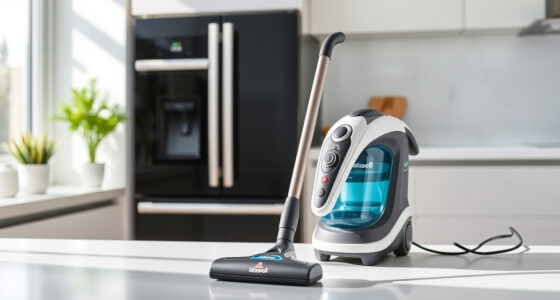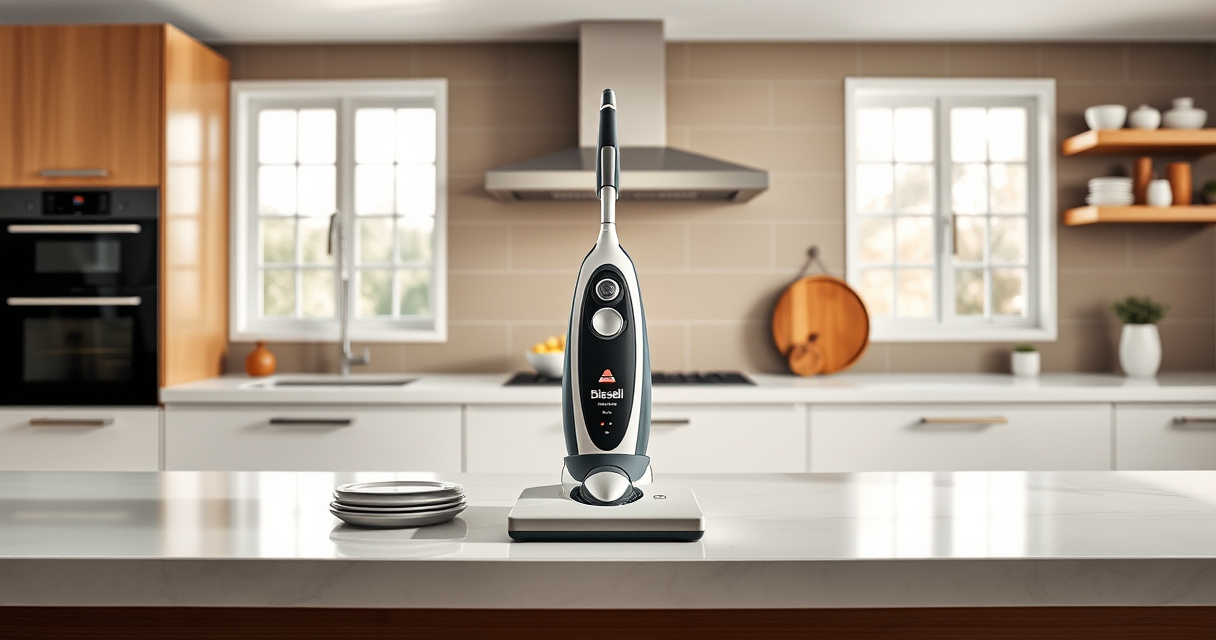

If your Bissell carpet cleaner is leaving water on your carpets instead of drying them out, it can be frustrating. This issue often indicates a problem with the vacuum’s suction, a clogged hose, or a faulty part. Fortunately, with some basic troubleshooting steps, you can identify and fix the problem, saving you time and money. In this guide, we’ll walk you through the essential steps to troubleshoot and resolve water-leaving issues for your BISSELL ProHeat 2X Revolution Pet Turbo Upright Carpet Cleaner.

Get cleaning gear delivered free with Prime
- Fast, free delivery on millions of items
- Prime Video, Amazon Music and more included
- Member-only deals all year
Remember, safety first: always unplug your machine before attempting any repairs or inspections. Be patient and methodical, and you’ll restore your cleaner’s performance in no time.
Key Takeaways
| Check for clogs | Clogged hoses or filters can reduce suction and cause water to be left behind. |
| Inspect the suction pathway | Ensuring the suction path is clear improves water pick-up. |
| Examine the water tank and seals | Leaks or damaged seals can cause excess water to escape or not be suctioned properly. |
| Replace worn brushes or filters | Old brushes or filters hinder cleaning and suction. |
| Regular maintenance | Cleaning filters and checking hoses regularly prevents future issues. |
Step 1: Unplug and Prepare Your Cleaner
Before starting any troubleshooting, ensure your Bissell cleaner is unplugged from the power outlet. Remove the water tank carefully and set it aside. This prevents accidental activation and ensures safety throughout the process. Keep all small parts and filters accessible so you can inspect and clean them thoroughly.
Step 2: Check and Clear the Water Tank and Filters
- Remove the water tank from the machine and empty any remaining water.
- Inspect the tank for cracks, leaks, or damage. Clean the water tank thoroughly with warm soapy water and dry it completely before reinstalling.
- Check the filters—located in the water tank lid or elsewhere—and clean or replace them if they’re clogged or dirty. Dirty filters reduce suction power, leading to water being left behind.
- Reassemble the water tank, ensuring it fits snugly and seals properly.
Step 3: Inspect and Clean the Suction Path and Hoses
Clogged hoses or debris in the suction pathway can significantly impair water pickup. Detach the hoses carefully and inspect for blockages or build-up. Use a long, flexible brush or a pipe cleaner to gently clear any obstructions. Rinse hoses with warm water and allow them to dry before reattaching. Also, examine the brush roll area for tangled hair, fibers, or debris that could obstruct the suction flow.
Step 4: Examine the Seals and Gaskets
Damaged or worn seals and gaskets can cause leaks, reducing suction efficiency. Check the seals around the water tank, brush area, and any accessible joints. Replace any cracked or deformed seals to ensure a tight fit. Proper sealing is crucial for maximum suction and effective water removal.
Step 5: Test the Machine and Replace Worn Parts
After performing the above checks, reassemble your cleaner and perform a test run on a small area. If water still remains or leaks excessively, consider replacing worn brushes or filters. For example, using a compatible replacement brush roll, such as the JORAIR Brush Replacement Compatible (asin B08ZS3PSD6), can restore suction and cleaning performance.
The Products in This Guide

BISSELL ProHeat 2X Revolution Pet Turbo Upright Carpet C
- ✔ Model Number: 35799
- ✔ Warranty: 2 years
- ✔ Color: Purple

JORAIR Brush Replacement Compatible
- ✔ Package Includes: 3 brushes, 3 filters, 1 cleaning brush
- ✔ Material: High-quality synthetic fibers
- ✔ Price: Budget-friendly
BISSELL ProHeat 2X Revolution Pet Turbo Upright Carpet C
<p>The BISSELL ProHeat 2X Revolution Pet Turbo Upright Carpet Cleaner (35799) is designed to provide professional-grade cleaning while being easy to use. Its TurboStrength™ motor offers 40% more suction power and reduces noise, making your cleaning sessions more effective and less disruptive. The MAX Clean Mode tackles embedded dirt, stains, and allergens, while the Express Clean Mode dries carpets in about 30 minutes, so you can get back to your routine quickly.</p><p>Featuring Heatwave Technology, it maintains water temperature throughout the cleaning process, ensuring optimal stain removal. Dual DirtLifter PowerBrushes with 12 rows of bristles provide deep cleaning, making this machine ideal for pet owners and heavy-duty cleaning.</p>
Pros:
- High suction power
- Quiet operation
- Effective stain and allergen removal
- Fast drying with Express Mode
Cons:
- Heavier weight
- Higher price point
- Requires regular filter cleaning
Best for: Deep cleaning heavily soiled carpets and pet stains
Not ideal for: Light cleaning or quick touch-ups
Bottom line: A powerful, quiet, and versatile carpet cleaner designed for pet owners and heavy-duty cleaning needs.
JORAIR Brush Replacement Compatible
Replacing worn brushes can significantly improve your Bissell’s water pickup and overall cleaning performance. The JORAIR Brush Replacement Compatible (asin B08ZS3PSD6) offers a cost-effective solution to refresh your machine’s brushes, ensuring deep cleaning and better water extraction without the need for a full replacement.
Pros:
- Affordable
- Easy to install
- Compatible with multiple models
- Restores suction power
Cons:
- Not a genuine Bissell part
- Requires replacement over time
- May need occasional cleaning
Best for: Replacing worn brushes in Bissell CrossWave and similar models
Not ideal for: As a primary cleaning tool without regular maintenance
Bottom line: A reliable, affordable brush replacement that helps your cleaner perform at its best.
Frequently Asked Questions
Why is my Bissell cleaner leaving water behind after cleaning?
This is often caused by clogged hoses, dirty filters, or worn brushes that reduce suction power. Inspect these parts and clean or replace as needed.
How often should I clean the filters and hoses?
Regular cleaning of filters and hoses every 1-3 months helps maintain optimal suction and prevents blockage issues.
Can I use any cleaning solution with my Bissell?
Use only Bissell Multi-Surface Solution or other recommended formulas compatible with your machine to avoid damage and ensure effective cleaning.
What should I do if my water tank leaks?
Check for cracks or damaged seals. Replace any faulty seals or the water tank itself to prevent leaks and improve suction.
Is it necessary to replace brushes regularly?
Yes, worn brushes can hinder cleaning performance. Replacing them periodically, with compatible options like the JORAIR brush, helps maintain suction and cleaning effectiveness.
Achieve Peak Cleaning Performance
With a systematic approach—checking filters, hoses, seals, and brushes—you can resolve water-leaving issues in your Bissell cleaner. Regular maintenance not only improves performance but also extends the lifespan of your machine. Remember to use compatible replacement parts and cleaning solutions to keep your carpets looking their best. Restoring your cleaner’s suction will ensure a thorough clean, efficient drying, and a healthier home environment.
Affiliate disclosure: As an Amazon Associate we earn from qualifying purchases. Prices and availability are accurate as of the time of publishing.
Fall Picks
fall essentials
As an affiliate, we earn on qualifying purchases.