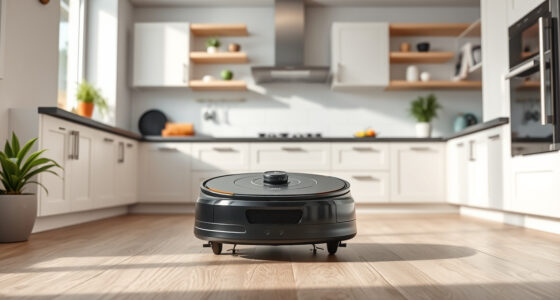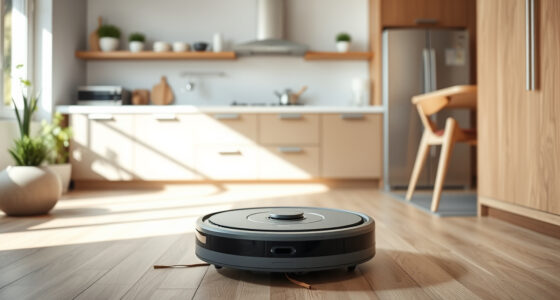
If your Roborock Q10 S5+ isn’t mopping as expected, it can be frustrating. This guide provides practical, accurate troubleshooting steps to identify and fix common issues preventing effective mopping. Safe, simple, and effective solutions will help you get your robot cleaning floors efficiently again.

Get cleaning gear delivered free with Prime
- Fast, free delivery on millions of items
- Prime Video, Amazon Music and more included
- Member-only deals all year
Before starting, ensure your robot is properly configured, the mop cloth is clean, and the water tank is filled. Follow these steps carefully for the best results.
Key Takeaways
| Check water tank | Ensure the water tank is filled and properly installed. |
| Clean the mop cloth | Dirty or clogged mop pads can hinder mopping performance. |
| Verify mopping settings | Make sure the mopping function is enabled in the app or on the robot. |
| Inspect for obstructions | Obstacles or dry spots can prevent effective mopping. |
| Update firmware | Keeping firmware current can resolve software bugs affecting mopping. |
Step 1: Check the Water Tank and Mop Cloth
- Remove the water tank from the robot and ensure it is filled with clean water. Reinstall securely.
- Inspect the mop cloth for dirt, hair, or residue. Wash or replace if dirty.
Step 2: Confirm Mopping Settings
Open the Roborock app or check the device controls to verify that mopping is enabled. Adjust settings for water flow or mopping mode if available.
Step 3: Clean the Mop System
- Detach the mop pad and wash it with mild soap and water. Ensure it dries thoroughly before reattaching.
- Check the dual-zone sonic mopping system for blockages or buildup that could impair performance.
Step 4: Inspect for Physical Obstructions
Look around the robot’s path for obstacles or uneven surfaces that might prevent proper mopping. Clear debris and ensure the floor is suitable for mopping.
Step 5: Update Firmware and Reset
Ensure your robot’s firmware is up-to-date through the app. If problems persist, perform a factory reset and reconfigure the device.
The Products in This Guide

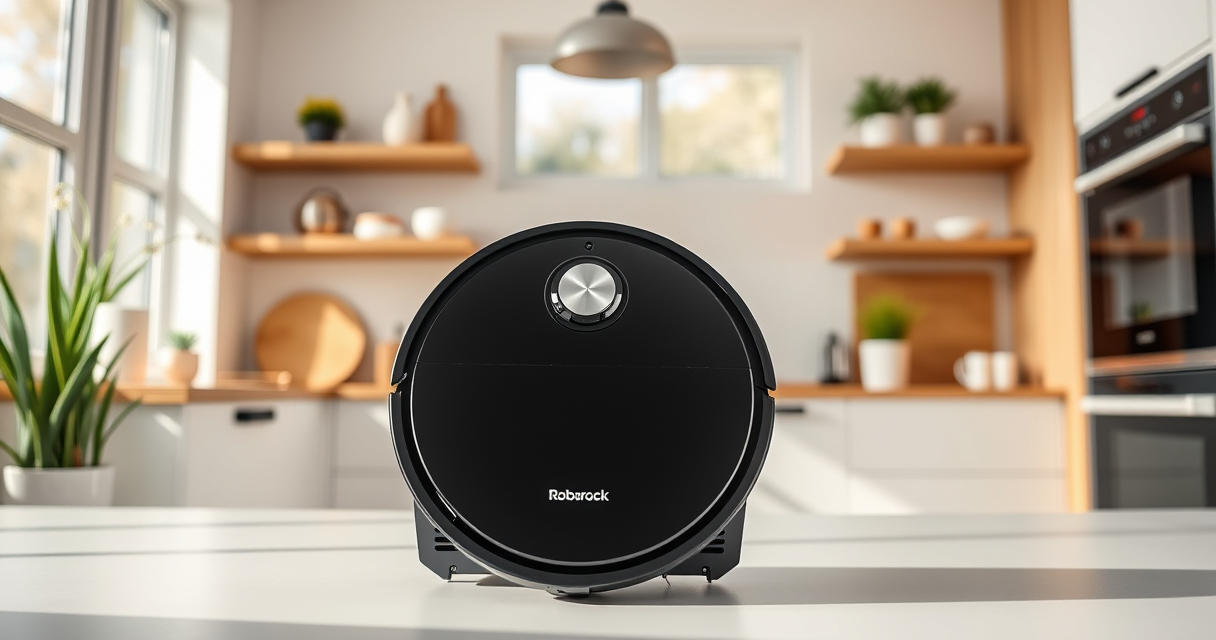
roborock Q10 S5+ Robot Vacuum and Mop
- ✔ Model: Q10 S5+
- ✔ Dust Capacity: 2.7L
- ✔ Connectivity: App & voice control

4 Pack Washable Filter
- ✔ Pack: 4 washable filters
- ✔ Material: HEPA-grade
- ✔ Compatibility: Multiple Roborock models
roborock Q10 S5+ Robot Vacuum and Mop
<p>The Roborock Q10 S5+ offers powerful 10,000 Pa suction and advanced mopping with VibraRise 2.0, making it a versatile cleaning robot. Its self-emptying station minimizes maintenance, and obstacle avoidance ensures safe operation.</p>
Pros:
- Powerful 10,000 Pa suction
- Self-emptying station for 70 days
- Advanced obstacle avoidance
- Dual anti-tangle design
Cons:
- Higher initial cost
- Requires maintenance of mop cloths
- Water tank capacity limits continuous mopping
Best for: Pet owners and busy households needing reliable vacuuming and mopping
Not ideal for: Users seeking budget options or minimal setup
Bottom line: A top-tier robot for comprehensive cleaning with minimal fuss.
4 Pack Washable Filter
<p>This washable filter set complements your Roborock Q10 S5+ by ensuring optimal filtration and airflow, which can indirectly improve mopping performance by keeping the vacuum operation smooth and effective.</p>
Pros:
- Replaces OEM filters
- Washable and reusable
- Affordable multi-pack
- Easy to install
Cons:
- Requires regular cleaning
- Not a direct fix for mopping issues
- Compatibility limited to certain models
Best for: Maintaining overall vacuum efficiency and airflow
Not ideal for: If your main issue is water supply or mop cloth cleanliness
Bottom line: A cost-effective way to keep your vacuum running smoothly.
Frequently Asked Questions
Why isn’t my Roborock Q10 S5+ mopping properly?
Common reasons include a dirty mop cloth, an empty or improperly installed water tank, or settings that disable mopping. Follow the troubleshooting steps to resolve these issues.
How often should I wash or replace the mop cloth?
It’s recommended to wash the microfiber mop cloth every 1-3 months, depending on usage, to maintain effective cleaning performance.
Can I use any water in the tank?
Use clean, room-temperature water. Avoid harsh chemicals or additives, as these can damage the mopping system.
My robot keeps skipping the mopping area, what do I do?
Check for obstacles or uneven floors. Make sure the mopping setting is enabled and the mop cloth is properly attached and clean.
Keep Your Floors Spotless with Proper Maintenance
By following these troubleshooting steps, you can resolve most issues that prevent your Roborock Q10 S5+ from mopping effectively. Regular cleaning of the mop cloth, ensuring water tank functionality, and updating firmware are key to maintaining optimal performance. With proper care, your robot will continue to keep your floors clean and spotless without hassle.
Affiliate disclosure: As an Amazon Associate we earn from qualifying purchases. Prices and availability are accurate as of the time of publishing.
Fall Picks
fall essentials
As an affiliate, we earn on qualifying purchases.