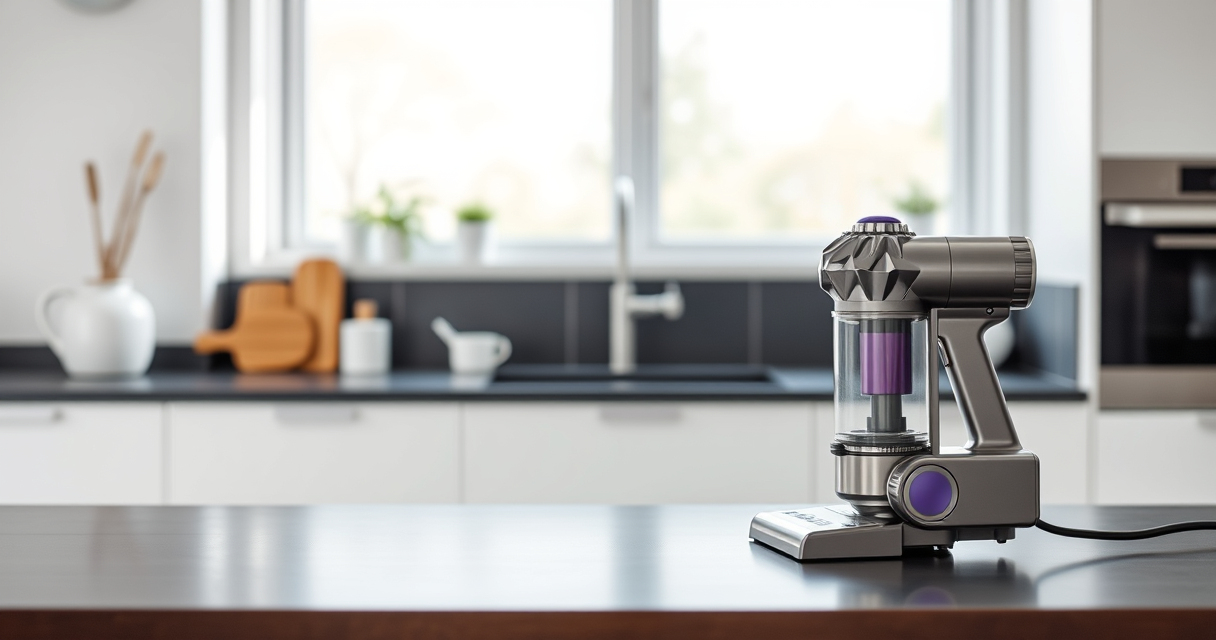

If your Dyson V15 Detect™ Origin Cordless Vacuum is losing suction, it can be frustrating and diminish cleaning performance. This guide provides clear, safe steps to identify and fix common causes of suction loss, ensuring your vacuum works like new.
Listen free for 30 days with Audible
Thousands of audiobooks and originals — cancel anytime.
Start your free trialAs an affiliate, we earn on qualifying purchases.
From checking filters to clearing blockages, follow these practical instructions to troubleshoot effectively without risking damage to your machine.
Key Takeaways
| Filter Maintenance | Dirty filters reduce suction; clean or replace regularly. |
| Blockages | Obstructions in the wand or cleaner head are common causes. |
| Seal Checks | Ensure all seals and connections are secure. |
| Battery & Power | Low battery or power mode issues can impact suction. |
| Component Inspection | Regularly inspect for damage or wear. |

Dyson V15 Detect™ Origin Cordless Vacuum
- Deep cleaning with intelligent dust detection: Reveals invisible dust for thorough cleaning
- Enhanced power and runtime: 100% more power, 60-minute battery life
- Energy-efficient power trigger: Uses power only when needed
As an affiliate, we earn on qualifying purchases.
Step 1: Check and Clean the Filters
- Remove the pre-filters from the vacuum according to the user manual.
- Rinse the filters under cold water until clear, then gently squeeze out excess water.
- Allow the filters to air dry completely for at least 24 hours before reinstalling.
- Replace the filters if they are damaged or excessively worn.
Step 2: Inspect for Blockages
- Check the wand, cleaner head, and hose for visible debris or obstructions.
- Remove any debris carefully, ensuring no damage to the components.
- Use a long, flexible brush or the crevice tool to clear hard-to-reach areas.
Step 3: Verify All Seals and Connections
Ensure that all attachment points, seals, and the dustbin are securely fitted. Loose connections can cause suction leaks, reducing cleaning power. Reattach any loose parts firmly.
Step 4: Check the Battery and Power Settings
- Make sure the battery is fully charged.
- Adjust the power mode if necessary; higher power mode may improve suction if debris is heavy.
- Reset the vacuum if it has a power cycle function.
Additional Tips & Safety Warnings
- Always unplug or turn off the vacuum before inspecting internal parts or cleaning filters.
- Do not use harsh chemicals or abrasive materials on filters or plastic parts.
- If problems persist after troubleshooting, contact Dyson customer support.
The Products in This Guide

Dyson V15 Detect™ Origin Cordless Vacuum
- ✔ Battery Life: Up to 60 minutes
- ✔ Weight: Approx. 6.8 lbs
- ✔ Filtration: Pre-filter and V10 filters

LANMU Crevice Tool Vacuum Attachments Compatible
- ✔ Compatibility: Multiple Dyson models
- ✔ Material: Plastic
- ✔ Design: Narrow and flexible
Dyson V15 Detect™ Origin Cordless Vacuum
The Dyson V15 Detect™ Origin is a powerful, intelligent cordless vacuum designed for whole-home cleaning. Its advanced features and efficient design make maintenance straightforward, but occasional troubleshooting is necessary for optimal performance.
Pros:
- Powerful and intelligent cleaning
- Long 60-minute run time
- LCD screen with real-time data
- Two versatile cleaner heads
Cons:
- Can be heavy for some users
- Filters require regular cleaning
- Higher price point
Best for: Deep cleaning and pet hair removal
Not ideal for: Users seeking a lightweight or budget vacuum
Bottom line: A high-performance cordless vacuum that benefits from regular maintenance to keep suction at its best.
LANMU Crevice Tool Vacuum Attachments Compatible
The LANMU Crevice Tool Vacuum Attachments are compatible with Dyson V15 and other models, making it easier to reach tight spots and clear blockages that can cause suction issues.
Pros:
- Narrow, flexible design
- Compatible with many Dyson models
- Easy to attach and use
- Ideal for small, hard-to-reach areas
Cons:
- May not fit older Dyson models
- Plastic material may wear over time
- Limited to crevice cleaning
Best for: Cleaning corners, car interiors, and tight spaces
Not ideal for: General deep cleaning or large debris
Bottom line: An excellent attachment to help prevent and fix suction blockages in tight spots.
Frequently Asked Questions
How often should I clean the filters on my Dyson V15?
It’s recommended to rinse the filters every 1-3 months, depending on usage, to maintain optimal suction.
What should I do if cleaning the filters doesn’t restore suction?
Check for blockages in the wand, hose, and cleaner head, and ensure all seals are tight. If the problem persists, contact customer support.
Can I use household cleaning products on my filters?
No, use only water to rinse filters. Harsh chemicals can damage the filter material and reduce effectiveness.
Is it safe to reassemble the vacuum after cleaning parts?
Yes, ensure all parts are completely dry and reassemble carefully, following the user manual instructions.
Keep Your Dyson V15 Performing at Its Best
Regular maintenance, including cleaning filters and checking for blockages, is key to preventing suction loss. Follow these steps to troubleshoot efficiently and enjoy consistent, powerful cleaning with your Dyson cordless vacuum. If issues persist, professional support is recommended to avoid damage and ensure longevity.
Affiliate disclosure: As an Amazon Associate we earn from qualifying purchases. Prices and availability are accurate as of the time of publishing.
College move-in / dorm season Picks
dorm essentials
As an affiliate, we earn on qualifying purchases.