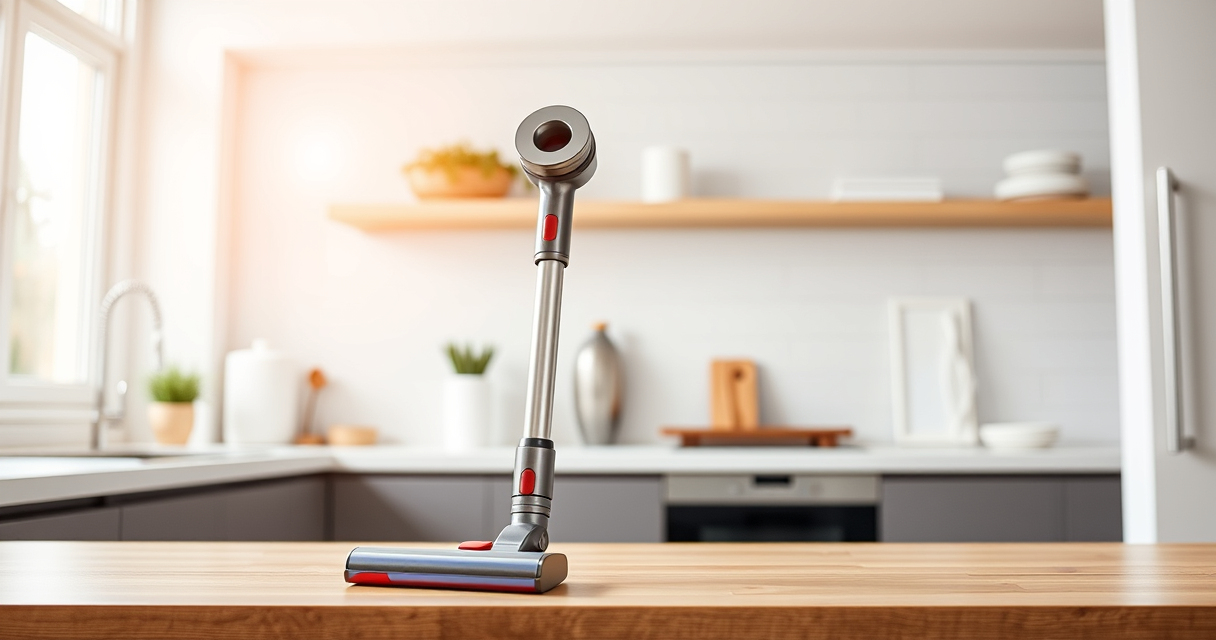
Keeping your Dyson V15 Detect™ Origin cordless vacuum in optimal condition ensures it delivers powerful cleaning performance for years to come. Proper maintenance not only prolongs the life of the vacuum but also maintains its suction, filtration, and overall efficiency. In this guide, we’ll walk through practical, step-by-step instructions for routine care, troubleshooting common issues, and replacing essential parts safely and effectively.

Get cleaning gear delivered free with Prime
- Fast, free delivery on millions of items
- Prime Video, Amazon Music and more included
- Member-only deals all year
Whether you’re a new user or an experienced owner, understanding maintenance routines will help you maximize your vacuum’s capabilities and avoid costly repairs. Let’s start by preparing the necessary tools and understanding what needs regular attention.
Key Takeaways
| Regular Filter Cleaning | Prevents loss of suction and maintains filtration. |
| Battery and Power Checks | Ensures consistent run time and avoids power issues. |
| Brush and Motor Maintenance | Removes hair and debris to prevent jams and motor strain. |
| Replacement Parts | Use genuine filters and attachments for best results. |
| Troubleshooting Tips | Identify and fix common problems quickly. |
Preparing for Maintenance
Before beginning any maintenance, gather the necessary tools: a soft cloth, mild detergent, replacement filters, a small screwdriver (if needed), and the recommended replacement parts. Make sure the vacuum is turned off and unplugged from the charger to prevent accidental activation. Familiarize yourself with the user manual for specific instructions related to your model, especially regarding filter removal and motor access.
It’s also wise to perform maintenance in a well-lit, clean area to avoid losing small parts and to keep your workspace organized. Regular maintenance schedules will vary based on usage, but a monthly check-up is a good baseline for most households.
Cleaning and Replacing Filters
- Remove the vacuum from its dock and ensure it’s completely powered off.
- Locate the pre-filter and main filter—these are typically accessed by pressing a button or twisting them out of the vacuum body.
- Gently rinse the filters under cold water. Do not use detergents or brushes that might damage the filter material.
- Allow filters to air dry completely—this can take 24 hours or more—before reinserting.
- If filters are worn out or damaged, replace them with compatible options such as the 3Pack Pre Filters (asin B091D4YRYG) or V10 filters (asin B085G3CDS2) for optimal performance.
- Reassemble the filters securely into the vacuum.
Regular cleaning of filters ensures the vacuum maintains strong suction and effective filtration, preventing dust from recirculating into your living space.
Maintaining the Brush Heads and Motor
Over time, hair, fibers, and debris can wrap around the brush heads, reducing their efficiency. To clean:
- Remove the brush heads from the vacuum according to the user manual instructions.
- Use a pair of scissors or a small tool to cut away tangled hair and fibers.
- Wash the brush heads with warm water and mild detergent if they are washable; dry thoroughly before reattaching.
- Check the motor compartment and remove any debris or dust that may have entered. Use a soft cloth or compressed air carefully to clean the area.
- Ensure no debris blocks the motor vents, which can cause overheating or reduced power.
Keeping the brush heads and motor clean prevents jams and prolongs the life of your vacuum’s moving parts.
Troubleshooting Common Issues
If your Dyson V15 Detect™ Origin shows warning alerts or performance drops, consider these steps:
- Loss of suction: Check and clean filters, empty the bin, and inspect for blockages in the wand or hose.
- Battery issues: If runtime decreases significantly, verify the battery connection and consider replacing the battery if it no longer holds charge.
- Motor noise or overheating: Clean the motor vents and ensure the brush heads are free of obstructions.
- LCD alerts: Follow the on-screen maintenance prompts, which may suggest filter cleaning or other actions.
In persistent cases, contact Dyson customer service or consult the troubleshooting section of your user manual for detailed guidance.
Replacing Parts for Peak Performance
Over time, filters and attachments will need replacing. Use genuine parts such as the 3Pack Pre Filters (asin B091D4YRYG) or replacement V10 filters (asin B085G3CDS2) to ensure compatibility and optimal performance.
Follow the instructions provided with each replacement part for proper installation. Regularly replacing filters and attachments keeps your vacuum working at its best and maintains high filtration standards, especially important for allergy sufferers and pet owners.
The Products in This Guide

Dyson V15 Detect™ Origin Cordless Vacuum
- ✔ Battery Life: Up to 60 mins
- ✔ Weight: Approx. 6.8 lbs
- ✔ Filtration: HEPA-grade filters

LANMU Crevice Tool Vacuum Attachments Compatible
- ✔ Compatibility: Multiple Dyson models
- ✔ Material: Plastic
- ✔ Length: 16 inches
Dyson V15 Detect™ Origin Cordless Vacuum
<p>The Dyson V15 Detect™ Origin Cordless Vacuum combines power, intelligence, and versatility, making it a top choice for home cleaning. It features advanced sensors, intelligent power management, and a range of accessories that simplify maintenance and enhance cleaning performance.</p> <p>Proper maintenance is essential to keep it functioning optimally, from cleaning filters to inspecting the brush heads. This guide covers all the necessary steps to prolong your vacuum’s lifespan and ensure it continues to deliver powerful cleaning.</p>
Pros:
- Powerful suction and deep cleaning
- Smart LCD screen with alerts
- Long battery life (60 mins)
- Versatile with multiple attachments
Cons:
- Requires regular filter cleaning
- Can be heavy for some users
- Filter replacements cost extra
Best for: Whole-home cleaning, pet hair removal, hard-to-reach spots
Not ideal for: Limited for those who prefer corded vacuums or minimal maintenance
Bottom line: The Dyson V15 Detect™ Origin offers powerful, intelligent cleaning with manageable maintenance.
LANMU Crevice Tool Vacuum Attachments Compatible
<p>The LANMU Crevice Tool Vacuum Attachments are compatible with a wide range of Dyson models, including the V15. Its slim, flexible design makes it perfect for cleaning tight corners, sofa cushions, and car interiors. This attachment helps maintain thorough cleanliness with minimal effort and fits seamlessly into your routine maintenance.</p> <p>Using quality attachments like this extends the life of your vacuum and ensures you can reach every nook and cranny effectively.</p>
Pros:
- Narrow nozzle for tight spaces
- Compatible with many Dyson models
- Easy to attach and use
- Flexible and durable design
Cons:
- May require additional adapters for some models
- Not suitable for very large debris
- Plastic construction may wear over time
Best for: Cleaning corners, upholstery, and vehicle interiors
Not ideal for: For heavy-duty cleaning or large debris
Bottom line: A must-have tool for detailed cleaning in tight spaces and tricky spots.
Frequently Asked Questions
How often should I clean the filters on my Dyson V15?
It’s recommended to rinse the filters every 1-2 months and replace them every 6-12 months, depending on usage and performance.
Can I wash the filters with soap or detergents?
No, only rinse filters with cold water. Avoid using soap or detergents as they can damage the filter material and reduce effectiveness.
What should I do if my vacuum loses suction even after cleaning filters?
Check for blockages in the wand, hose, and cleaner head. Empty the dust bin and ensure the filters are dry and properly installed.
How do I replace the filters on my Dyson V15?
Remove the filter from the designated compartment by twisting or pressing the release button, rinse it thoroughly, dry completely, and then reinsert it securely.
Is it safe to replace parts myself?
Yes, as long as you follow the instructions carefully and use genuine replacement parts. Refer to the user manual for specific guidance.
Keep Your Dyson V15 Detect™ in Top Shape with Regular Maintenance
Routine maintenance of your Dyson cordless vacuum is essential to sustain its powerful cleaning performance and extend its lifespan. By regularly cleaning filters, inspecting and cleaning brush heads, and replacing worn parts, you ensure your vacuum remains effective and reliable for years to come.
Adopting these simple, step-by-step practices will help you avoid common issues and enjoy efficient cleaning every time. Remember, a well-maintained vacuum not only performs better but also helps keep your home cleaner and healthier.
Affiliate disclosure: As an Amazon Associate we earn from qualifying purchases. Prices and availability are accurate as of the time of publishing.
Halloween Picks

Gemmy 6.4 ft Beetlejuice Animatronic Halloween Decoration with Spinning Head

Spirit Halloween Scary Sitting Scarecrow Animatronic, 4 ft 6 in

Gemmy 5.4 ft The Nun Animatronic Halloween Decoration
As an affiliate, we earn on qualifying purchases.