If your Dyson V15 Detect™ Origin cordless vacuum is pulsing on and off, it can disrupt your cleaning routine. This issue often stems from blockages, filter problems, or battery concerns. Fortunately, most causes are manageable with simple troubleshooting steps.

Get cleaning gear delivered free with Prime
- Fast, free delivery on millions of items
- Prime Video, Amazon Music and more included
- Member-only deals all year
In this guide, we’ll walk you through practical, safe steps to diagnose and resolve the pulsing problem, helping your vacuum perform at its best again.
Key Takeaways
| Identify common causes | Blockages, filter issues, battery or motor problems |
| Check filters and clean if dirty | Dirty filters can trigger pulsing; clean and dry them properly |
| Inspect for blockages | Clogs in the wand, brush head, or hose may cause pulsing |
| Ensure proper battery function | Battery overheating or low charge can lead to pulsing |
Step 1: Turn Off and Unplug the Vacuum
Before troubleshooting, ensure the vacuum is turned off and unplugged from the charger. This guarantees safety during inspection and cleaning.
Step 2: Check and Clean the Filters
- Remove the pre-filters from the vacuum according to the user manual.
- Rinse the filters thoroughly with water, avoiding soap or detergents.
- Allow the filters to air dry completely, ideally overnight.
- Reinstall the filters once dry, ensuring they are seated correctly.
Dirty or damp filters can cause the vacuum to pulsing on and off by restricting airflow.
Step 3: Clear Blockages
- Detach the wand and brush heads from the main unit.
- Inspect for visible debris or obstructions in the wand, cleaner heads, and hose.
- Use a long, flexible brush or the crevice tool to gently remove any blockages.
- Reassemble once clear.
Blockages restrict airflow, which can trigger the pulsing issue.
Step 4: Check the Battery and Overheating
If the vacuum continues pulsing, ensure the battery is not overheating or low. Allow the vacuum to cool down if it feels hot. Confirm the battery is fully charged, and avoid using it in high-temperature environments. If problems persist, consider replacing the battery or contacting Dyson support.
Additional Tips and Warnings
- Always handle filters and internal parts gently to avoid damage.
- Do not use harsh chemicals or abrasive tools during cleaning.
- If the problem persists after these steps, consult Dyson customer support or a qualified repair technician.
Regular maintenance, including cleaning filters and inspecting for blockages, can prevent pulsing issues in the future.
The Products in This Guide

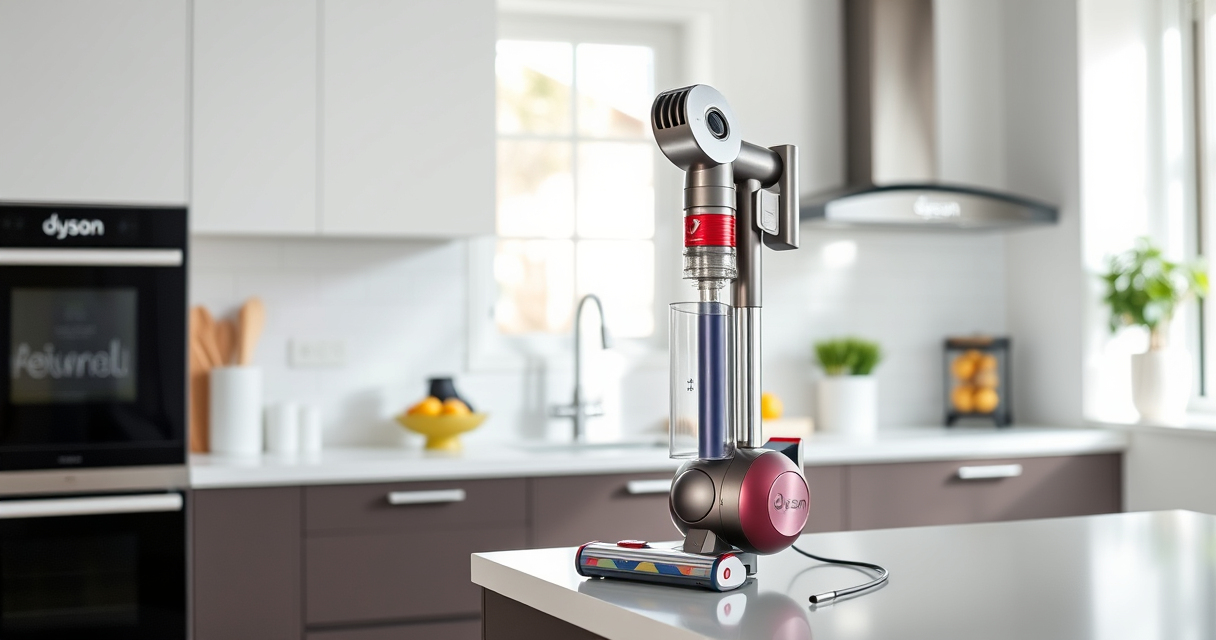
Dyson V15 Detect™ Origin Cordless Vacuum
- ✔ Battery Life: 60 minutes
- ✔ Weight: 6.8 lbs
- ✔ Filtration: Advanced filtration system

LANMU Crevice Tool Vacuum Attachments Compatible
- ✔ Compatibility: Many Dyson models
- ✔ Material: Plastic
- ✔ Design: Slim and flexible
Dyson V15 Detect™ Origin Cordless Vacuum
The Dyson V15 Detect™ Origin offers powerful suction, intelligent debris detection, and a long 60-minute runtime. Its advanced design makes it ideal for whole-home cleaning, though regular maintenance is key to preventing pulsing issues.
Pros:
- Powerful suction
- Intelligent debris detection
- Long battery life
- Multiple cleaning heads
Cons:
- Can be heavy for some users
- Requires regular filter cleaning
- Price point may be high
Best for: Deep cleaning of entire home, pet hair removal, precision cleaning in tight spaces
Not ideal for: For users seeking a lightweight, ultra-portable vacuum without smart features
Bottom line: A high-performance cordless vacuum with smart features, perfect for thorough home cleaning.
LANMU Crevice Tool Vacuum Attachments Compatible
The LANMU Crevice Tool Vacuum Attachments enhance your Dyson V15’s reach, making it easier to clean tight corners, sofas, and car interiors effectively, especially if you experience pulsing caused by debris in narrow spaces.
Pros:
- Narrow and flexible design
- Compatible with many Dyson models
- Easy to attach
- Effective for detailed cleaning
Cons:
- May not fit older models
- Requires careful handling
- Additional attachment needed for some tasks
Best for: Cleaning corners, car interiors, and hard-to-reach areas
Not ideal for: For general cleaning where a wide brush is preferred
Bottom line: A versatile tool that extends your Dyson’s cleaning capabilities into tight spaces.
Frequently Asked Questions
Why does my Dyson vacuum pulse on and off during use?
Pulsing often indicates airflow restrictions caused by blockages, dirty filters, or overheating. Follow the troubleshooting steps to identify and fix the issue.
How often should I clean or replace the filters?
Filters should be rinsed with water and fully dried every 2-3 months. Replace filters if they show signs of damage or if cleaning doesn’t restore performance.
Can a blockage cause pulsing even if filters are clean?
Yes, blockages in the wand, hose, or cleaner heads can restrict airflow, leading to pulsing. Always inspect and clear obstructions regularly.
Is it safe to use my Dyson vacuum while it’s overheating?
No, operating the vacuum while overheated can damage the motor. Allow it to cool down before continuing use, and ensure proper maintenance.
Keep Your Dyson V15 Performing at Its Best
Regular maintenance, including cleaning filters and inspecting for blockages, is essential to prevent pulsing issues. If troubleshooting doesn’t resolve the problem, contacting Dyson support is recommended. Proper care ensures your vacuum continues to deliver powerful, efficient cleaning for years to come.
Affiliate disclosure: As an Amazon Associate we earn from qualifying purchases. Prices and availability are accurate as of the time of publishing.
Halloween Picks
halloween
As an affiliate, we earn on qualifying purchases.